// Screenshots
See it in action.
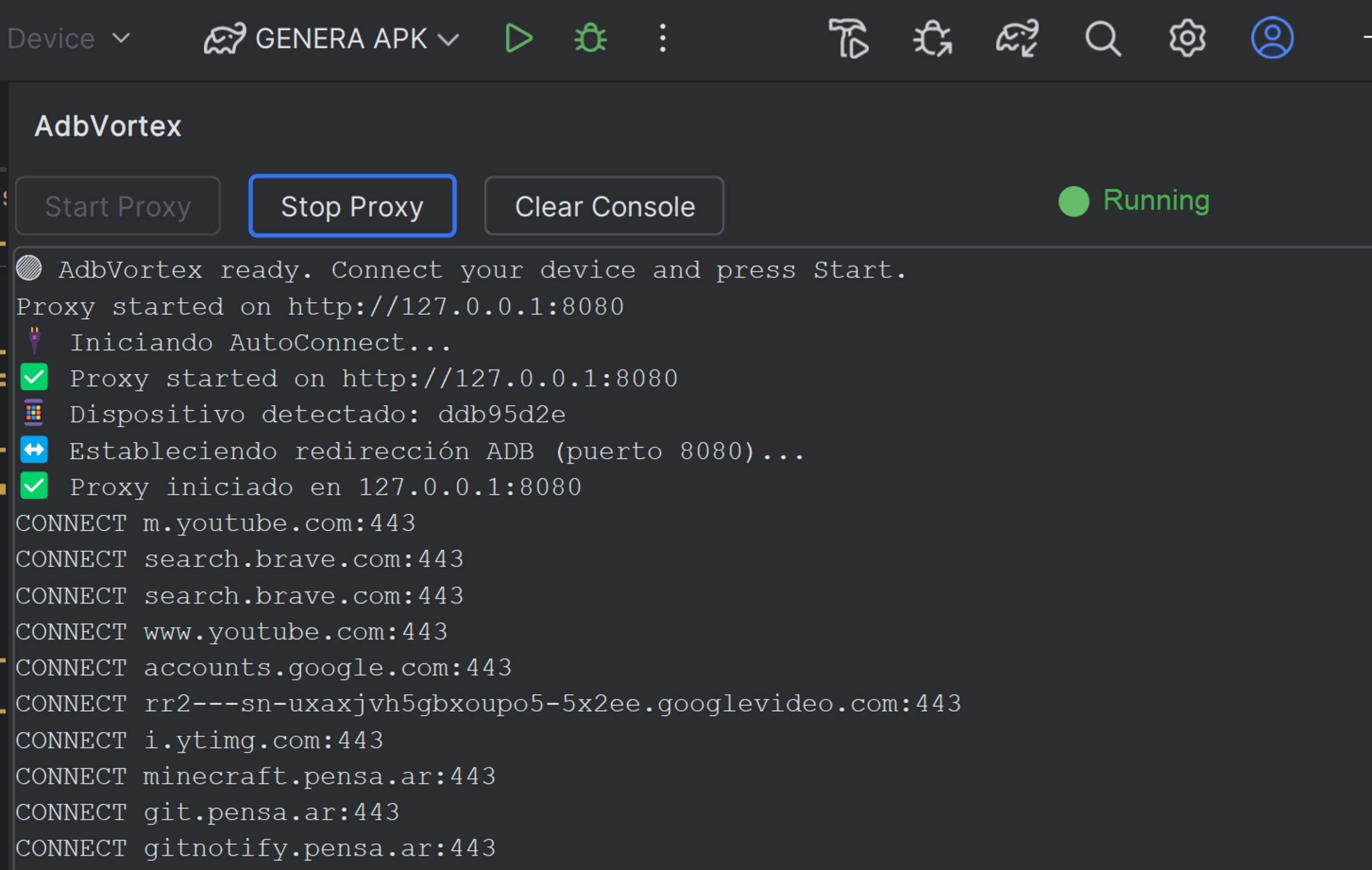
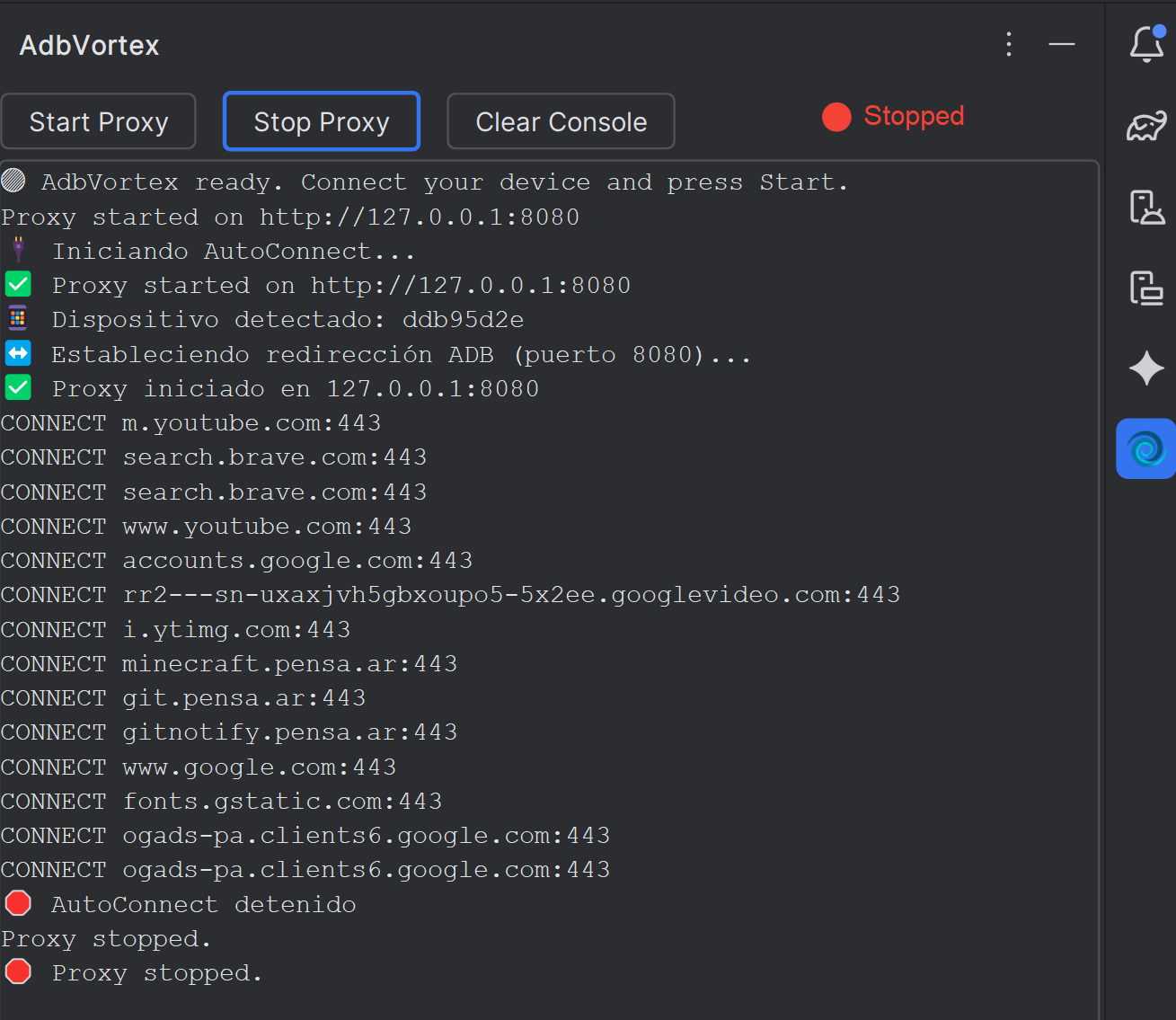
Share your computer's internet with any Android device via ADB — directly from Android Studio or IntelliJ IDEA. One click, zero config.
// Features
Start or stop the HTTP proxy bridge between your machine and Android device with a single button.
AdbVortex automatically detects ADB-connected devices and sets up routing — no manual configuration needed.
Live connection logs displayed inside the IDE Tool Window, so you always know what traffic is flowing.
Perfect for testing backend APIs, staging servers, and internal environments not publicly accessible from the device.
Uses the ADB binary already bundled in your IDE. No additional software or VPN clients required.
Works seamlessly in both Android Studio and IntelliJ IDEA as a native Tool Window plugin.
// How it works
Click Start Proxy in the AdbVortex Tool Window. A lightweight HTTP proxy starts on your machine at the default port.
127.0.0.1:8080
The plugin runs ADB commands to create a reverse tunnel from your Android device back to your computer automatically.
adb reverse tcp:8080 tcp:8080
Your app on the device sends HTTP requests through your host machine. Access localhost services, internal APIs, or any non-public endpoint.
adb shell settings put global http_proxy 127.0.0.1:8080
// Screenshots
// Installation
Free. Open source. MIT license.